Version 2.0.0
We’re excited to introduce Version 2.0.0, a major update that enhances usability, customization, and performance. The highlight of this release is multi-payment gateway support, centralized plan management, and flexible pricing.
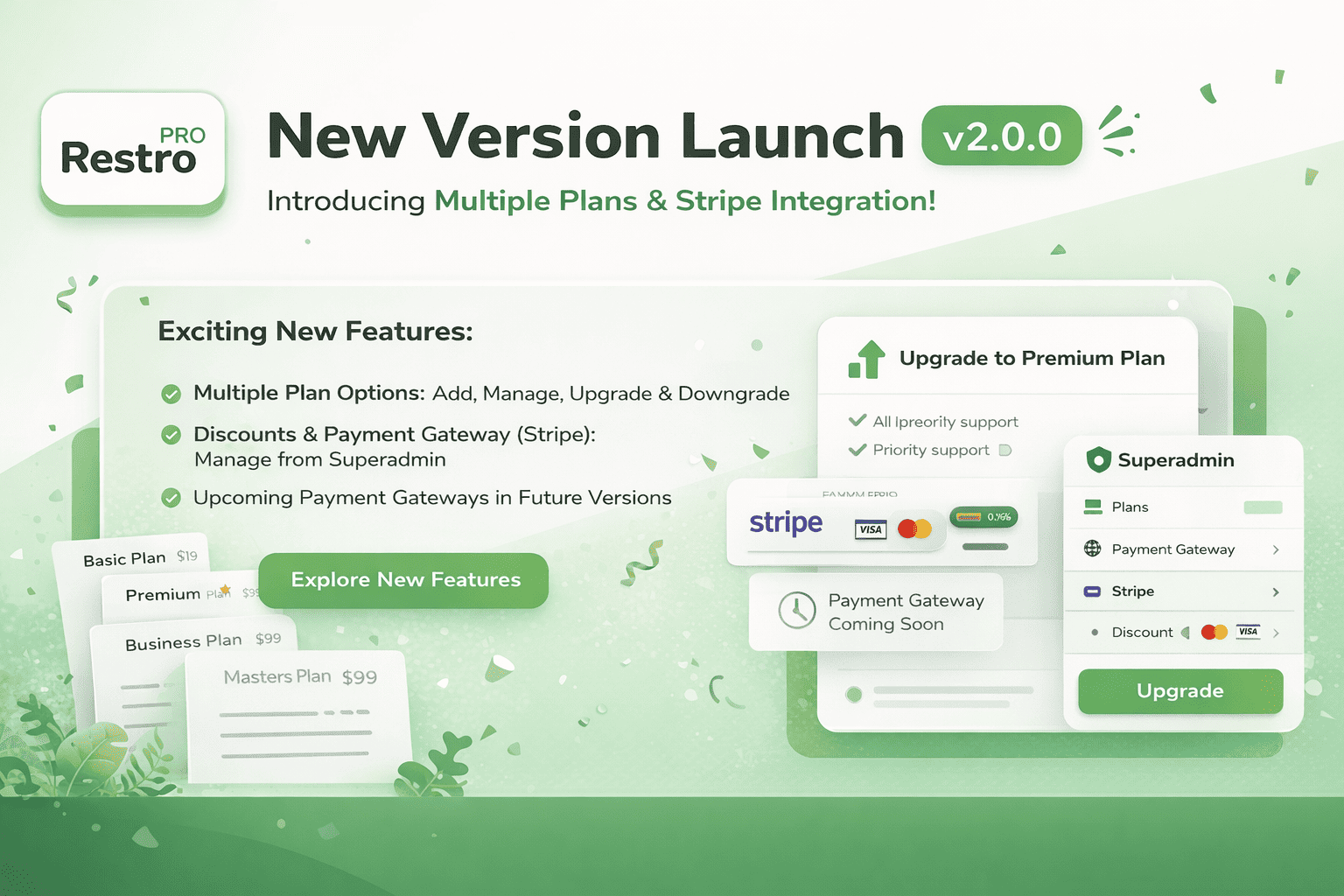
v2.0.0 (08-Jan-2026)
- ✅ Multiple payment gateway support (foundation added)
- ✅ Stripe is the first supported gateway
- ✅ All plans managed from Super Admin portal
- ✅ Customers can upgrade or downgrade plans
- ✅ Multiple currency support
- ✅ Free trial plans and plan-level discounts
- ✅ More gateways (Pay***, Raz***, Pay***) coming in next versions
Update Guide
Step 1: Update DB
1.1 Create the payment_gateways table
This table tracks manage all payment gatewayand their credentials.
CREATE TABLE `payment_gateways` (
  `id` bigint NOT NULL AUTO_INCREMENT,
  `gateway_name` varchar(50) NOT NULL,
  `credentials` text,
  `status` tinyint(1) DEFAULT '1',
  `created_at` timestamp NULL DEFAULT CURRENT_TIMESTAMP,
  PRIMARY KEY (`id`),
  UNIQUE KEY `uq_gateway_name` (`gateway_name`)
) ENGINE=InnoDB DEFAULT CHARSET=utf8mb4 COLLATE=utf8mb4_0900_ai_ci;
1.2 Create the plans table
This table all plans releted details.
CREATE TABLE `plans` (
  `id` int NOT NULL AUTO_INCREMENT,
  `title` varchar(95) DEFAULT NULL,
  `payment_gateway` varchar(200) NOT NULL,
  `payment_gateway_product_id` varchar(255) NOT NULL,
  `is_recommended` tinyint(1) DEFAULT '0',
  `is_trial` tinyint(1) DEFAULT '0',
  `trial_days` int DEFAULT NULL,
  `features_description` text,
  `features` text,
  `yearly_discount` int DEFAULT NULL,
  `discount` int DEFAULT NULL,
  `created_at` datetime DEFAULT CURRENT_TIMESTAMP,
  `updated_at` datetime DEFAULT CURRENT_TIMESTAMP ON UPDATE CURRENT_TIMESTAMP,
  `is_deleted` tinyint(1) DEFAULT '0',
  PRIMARY KEY (`id`),
  UNIQUE KEY `stripe_product_id` (`payment_gateway_product_id`)
) ENGINE=InnoDB AUTO_INCREMENT=79 DEFAULT CHARSET=utf8mb4 COLLATE=utf8mb4_0900_ai_ci;
1.3 Create the plan_prices table
This table all plans prices with currency, amount releted details.
CREATE TABLE `plan_prices` (
  `id` int NOT NULL AUTO_INCREMENT,
  `plan_id` int NOT NULL,
  `country` varchar(500) NOT NULL,
  `currency` varchar(10) NOT NULL,
  `frequency` enum('monthly','yearly') NOT NULL,
  `amount` int NOT NULL,
  `payment_gateway_price_id` varchar(100) DEFAULT NULL,
  `is_active` tinyint(1) DEFAULT '1',
  `created_at` timestamp NULL DEFAULT CURRENT_TIMESTAMP,
  `updated_at` timestamp NULL DEFAULT CURRENT_TIMESTAMP ON UPDATE CURRENT_TIMESTAMP,
  `symbol` varchar(500) NOT NULL,
  `is_default` tinyint(1) DEFAULT '0',
  PRIMARY KEY (`id`),
  KEY `plan_id_idx` (`plan_id`),
  CONSTRAINT `fk_plan_prices_plan` FOREIGN KEY (`plan_id`) REFERENCES `plans` (`id`) ON DELETE CASCADE ON UPDATE CASCADE
) ENGINE=InnoDB AUTO_INCREMENT=123 DEFAULT CHARSET=utf8mb4 COLLATE=utf8mb4_0900_ai_ci;
1.4 Add following column into tenants table
ALTER TABLE `tenants`
ADD COLUMN `payment_customer_id` varchar(255) DEFAULT NULL,
ADD COLUMN `hasTrial` tinyint DEFAULT NULL,
ADD COLUMN `isTrialPlan` tinyint DEFAULT '0',
ADD COLUMN `payment_gateway_product_id` varchar(255) DEFAULT NULL,
ADD COLUMN `payment_gateway_price_id` varchar(255) DEFAULT NULL,
ADD COLUMN `token_version` int DEFAULT '1',
ADD COLUMN `stripe_next_price_id` varchar(255) DEFAULT NULL;
1.5 Add following changes into subscription_history table
ALTER TABLE `subscription_history`
MODIFY COLUMN `status`
ENUM(
  'created',
  'updated',
  'plan_changed',
  'downgrade_scheduled',
  'cancelAtPeriodEnd',
  'cancelled'
) DEFAULT NULL;
Step 2: Update Backend Code
- Replace the existing backend files with the latest version from the v2.0.0 release.
- Run any required migrations or seeders to initialize inventory-related tables.
- Follow the original RestroPRO setup guide for any new
.envor configuration updates.
Step 3: Update Frontend Code
- Replace existing frontend code with the updated files from the v2_0_0 branch.
- Clear local storage/cache and rebuild the frontend for the changes to reflect.
- Confirm visibility of the new Plans and Payment Gateways sections in the superadmin admin panel.
Feature Usage Notes
- Plan Management: Use the Superadmin panel to create, edit, and manage subscription plans, including pricing, currency, and billing frequency per country.
- Assign Pricing: Set default and country-specific pricing for each plan. Make sure at least one price per plan is marked as default.
- Payment Gateway Integration: Configure payment gateways (such as Stripe) and link their product and price IDs to your plans for automated billing.
- Tenant Subscriptions: Tenants are now linked to payment gateway customer IDs and price IDs for seamless upgrades, downgrades, and renewals.
- Trial Management: Utilize the new trial fields to define trial periods and statuses for each tenant and plan.
- Token Versioning: The new
token_versionfield in tenants will help in securely managing authentication tokens after major plan or payment changes.
💡 Always verify both backend and frontend updates are complete to ensure smooth functionality for your billing and payment workflows in v2.0.0.